
1) Install IPTV Smarters either for Apple or MacOS. On your device open up a browser go to and download https://www.iptvsmarters.com/#downloads
Please check out our Support page for troubleshooting tips.
Note: A minimum internet speed of 50 mbps is recommended. If you are experiencing constant buffering issues you may need to use a VPN as your ISP may be throttling your connection.
2) Upon installation:
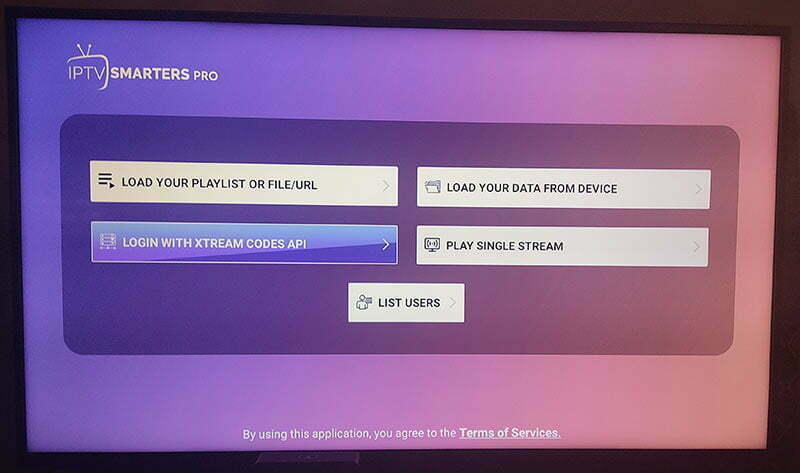
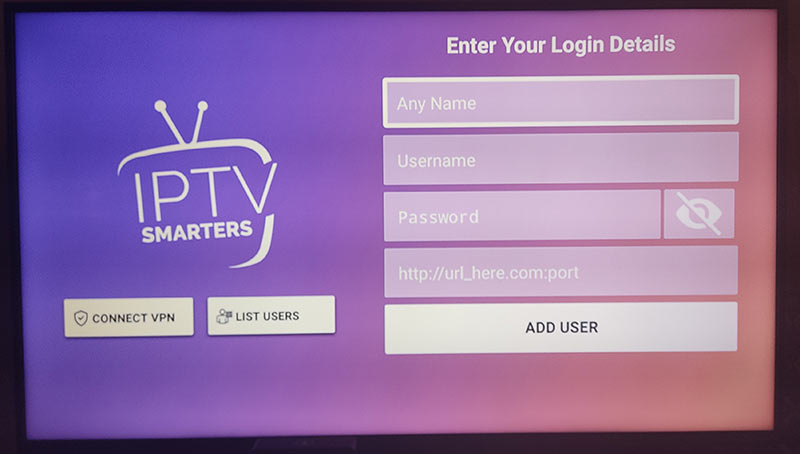
3) Alternatively for iOS devices you can download a free 3rd party app. Go to https://apps.apple.com/us/app/tvid-pro/id1516595735 and download the app. Configue the settings with the following: