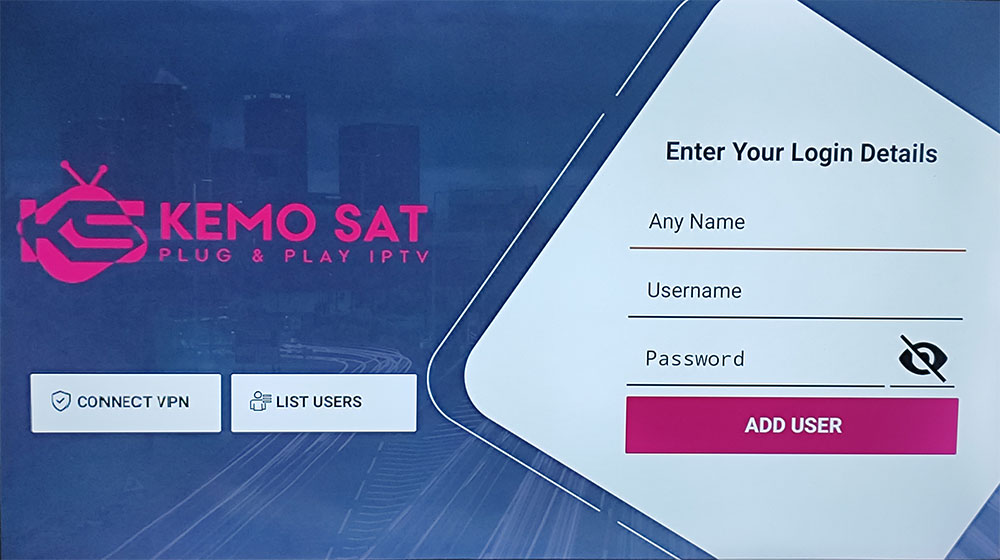
To install our KEMO IPTV app on Android devices such as Firestick, Google TV and Android boxes. Follow installation instructions below.
Note: A minimum internet speed of 50 mbps is recommended. If you are experiencing constant buffering issues on certain channels we recommend using a VPN as your ISP maybe throttling your connection. For troubleshooting tips please visit our support page.
1) To install our free Kemo Android app. On your device download http://xstreamip.tv/kemosatx.apk Install and open the Kemo app. You can use the Downloader tool to do this. Watch this video to know how. (Make sure Apps from Unknown Sources is turned ON) Enter Your Name in the Any Name field and enter your username and password in the email sent to you. Click Add User. You may need to wait a few minutes for the channels to download.